
Ministry Scheduler Pro
Sign up for our in-church ministries using Ministry Scheduler Pro! Click here to get started!
If you haven't already done so, please setup your personal profile in Ministry Scheduler Pro. Within your personal profile you can fill out your general contact information, choose which Mass time you prefer (Saturday or Sunday), and how frequently you would like to be scheduled. You can also fill out times you know you will not be available to serve in your ministry.
In the event you need to find a sub, you simply login to MSP, go to your schedule, find the Mass you need a sub for, click on Request Sub. MSP will then generate an email to go out to everyone who is signed up for that ministry, alerting them a sub request has been made. At that time, anyone can accept the request.
If you just need to trade Masses with someone, you can submit a Trade Request. MSP will generate an email to that individual asking if they are able to trade with you.
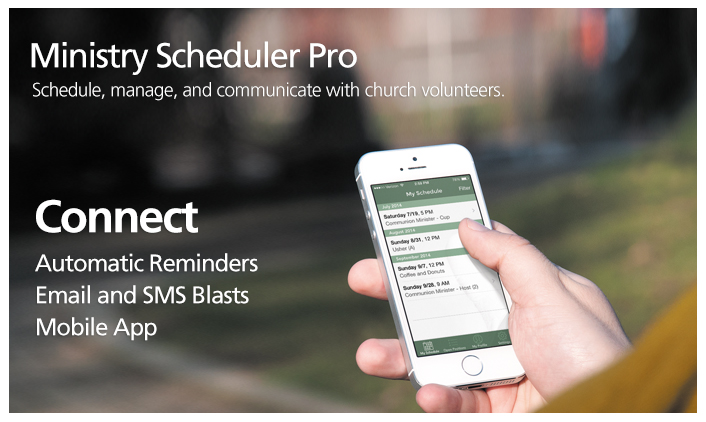
If you are scheduled for a ministry, you will receive notifications one week prior to your scheduled date to remind you of your commitment. If you use the app, you will also receive reminders on your phone.
You can also export your ministry schedule to your personal calendar.
You can view the schedule here or by hovering over "Ministries" on the menu and clicking "Ministry Schedule"